Microsoft 365 support and management for Tulsa businesses
Your business runs on email, shared files, and people having the right access. NSN Management helps keep Microsoft 365 working, with everyday support for your team and ongoing care for your accounts, security, and backups.
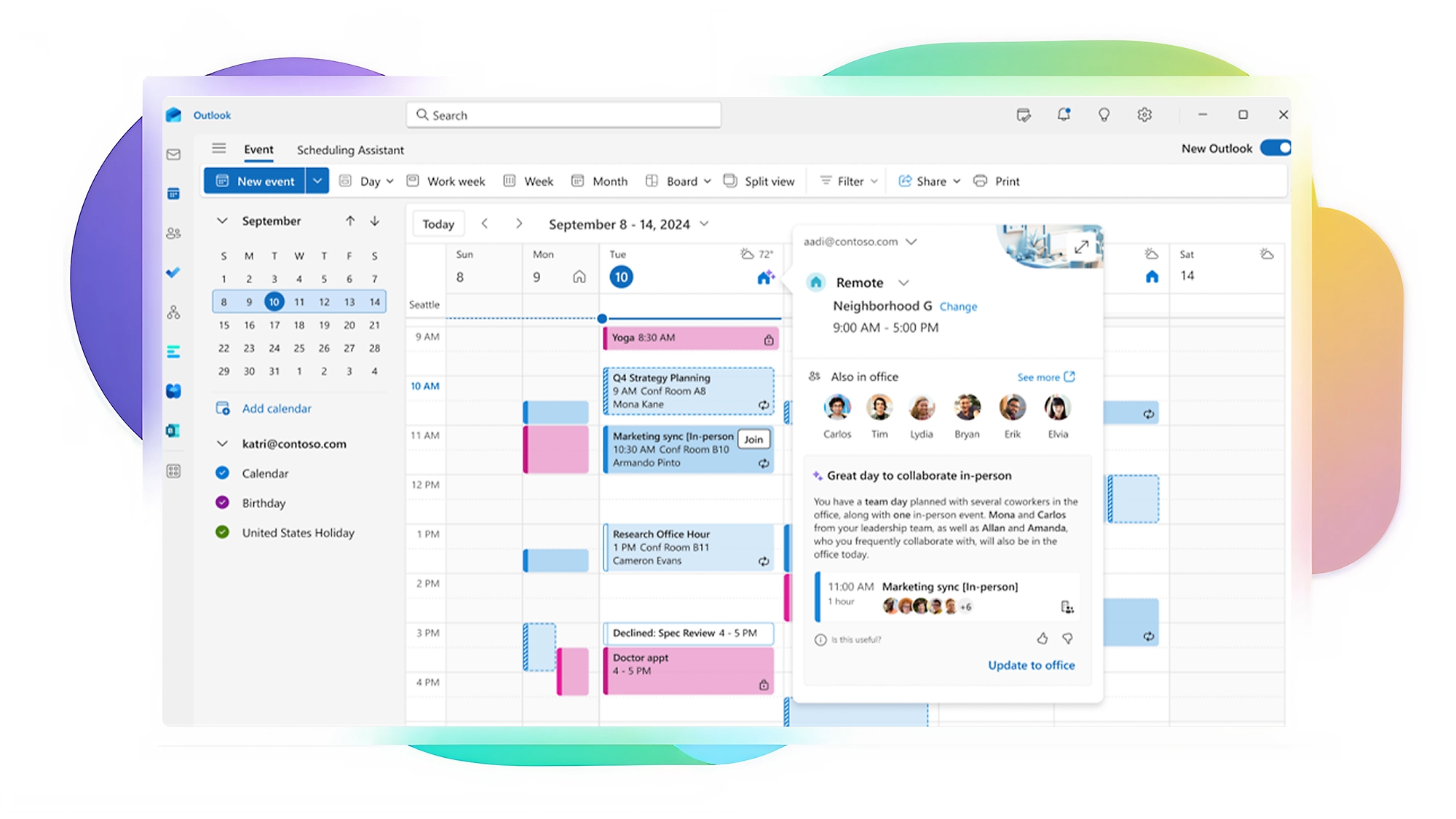
Help with the Microsoft 365 problems that slow your team down
- Outlook and business email support. Help with sign-ins, mail delivery, shared mailboxes, and the email problems that interrupt your day.
- Employee account setup and removal. Set up new starters, change access when roles change, and secure accounts when someone leaves.
- Teams, SharePoint, and OneDrive support. Resolve file access, syncing, and sharing problems so your people can work together.
- Microsoft 365 licensing management. Review subscriptions, unused licenses, and the features your team actually needs.
- Account security and access controls. Strengthen sign-ins with MFA, review administrator access, and configure policies supported by your licenses.
- Microsoft 365 backup and recovery. Protect business mail and files with Datto SaaS Protection, backup checks, and tested restores.
Built for businesses with 10 or more employees that rely on Microsoft 365 every day. If your team still calls it Office 365, we can help with the business email, accounts, and files you depend on.
Small account problems can become business problems
- Former employees keep access to mail or shared files.
- Weak sign-in protection leaves business accounts exposed.
- Unused licenses stay on the bill while nobody reviews them.
- Your people lose time to the same email and file-sharing issues.
79% of ransomware attacks now start with a compromised identity rather than a technical exploit. Sophos, The State of Ransomware 2026 (opens in a new tab)
Multi-factor authentication blocks more than 99.2% of account-compromise attacks. Microsoft Entra documentation (opens in a new tab)

How it starts
Book a Discovery Call
Tell us what keeps interrupting your team and how Microsoft 365 is managed today.
Get a clear plan
We review your setup, access, licensing, and priorities, then define the support and any project work you need.
Work with a team that answers
Agree the handover and ongoing responsibilities, so your people know who to call and what happens next.
What we manage month after month
- Help for your people. Resolve everyday issues and handle Microsoft 365 administration and escalation.
- Accounts and licenses. Keep users, subscriptions, shared mailboxes, and access aligned with staffing changes.
- Security and sharing. Review sign-in protection, administrator access, and how business files are shared.
- Backup and recovery. Check backup health and test restores against the agreed coverage.
- Planning and communication. Review recurring problems, priorities, and upcoming changes with your business contact.
Your service plan sets the scope and review schedule, including Entra ID, conditional access, retention, and sensitivity labels where your Microsoft licenses support them.
Connect Microsoft 365 to your ongoing IT support
Email and file problems often overlap with computers, networks, and security. Our Managed IT service in Tulsa brings Microsoft 365 administration together with help desk support, monitoring, patching, and technology planning.
Your proposal distinguishes ongoing management, Microsoft subscriptions, and any separately scoped migration or cleanup work. Pricing depends on your people, environment, and coverage.
Our main focus is ongoing, fully managed IT. Co-managed IT is a secondary offering with a specifically agreed scope.
Your people work. Microsoft 365 is handled.
Your team knows where to get help. Account changes follow a process, licenses get reviewed, and responsibility for security and backups is clear. You have a local team to talk through priorities with, instead of another administration task on your list.
NSN Management is Tulsa-owned and has supported local businesses since 2012. Our Microsoft 365 consulting and ongoing support connect the plan with the people who carry it out. See how we work and what clients say about our support.
- 4.8★ Google · 31 reviews
- Kaseya/Datto MSP of the Year 2025
- Inc. 5000 2026
- Tulsa-owned since 2012
Considering Microsoft 365 Copilot?
Our Microsoft 365 Copilot consulting and training helps you choose the right capabilities, review access, train staff, and measure a pilot. For projects beyond Microsoft 365, explore AI consulting and workflow automation.
Service at a glance
| Service area | Available across the Tulsa metro: Tulsa, Broken Arrow, Jenks, Bixby, Sand Springs, Sapulpa, and Owasso. |
|---|---|
| Address | 2448 E 81st Street, Ste 2775, Tulsa, OK 74137 |
| Phone | 918-770-9150 |
| Best fit | Businesses with 10+ employees |
| Applications | Outlook, Exchange Online, Teams, SharePoint, and OneDrive |
| Support model | Fully managed IT is our primary service; co-managed IT is secondary |
| Pricing | Quoted for your users, setup, and scope; subscriptions and project work identified in the proposal |
Support for the rest of your business technology
Managed IT Services
Microsoft 365, help desk support, monitoring, patching, and planning in one service.
Learn more →Cybersecurity Services
Layered protection, monitoring, and response for your business accounts and systems.
Learn more →Cloud Computing Services
Plan migrations and manage cloud workloads alongside the tools your team uses every day.
Learn more →Your Microsoft 365 questions, answered
Can you manage the Microsoft 365 account we already have?
Yes. NSN Management can review and manage your existing business Microsoft 365 environment, including its users, licenses, security settings, and support needs. You do not need to start with a new Microsoft 365 account to work with us.
Can we keep our email addresses and files when we switch IT providers?
Usually, yes. Changing who manages an existing Microsoft 365 environment generally does not require changing email addresses or moving files. NSN Management checks account ownership, administrator access, subscription arrangements, and your current provider's handover requirements before planning the transition.
Do you help with Outlook, Teams, SharePoint, and OneDrive?
Yes. NSN Management provides business support for Outlook and Exchange Online email, Teams collaboration, SharePoint, and OneDrive. That includes sign-in issues, shared mailboxes, file access, syncing, and sharing permissions, with administrator escalation when a problem needs deeper investigation.
What happens when an employee joins or leaves?
NSN Management handles account setup, licensing, and access changes using an agreed onboarding and offboarding process. When someone leaves, we secure their access and plan mailbox and file handover with your designated business contact, following your retention requirements.
Is Microsoft 365 support included in your Managed IT service?
Yes. Microsoft 365 administration is part of NSN Management's Managed IT service, alongside help desk support, monitoring, patching, security, and technology planning. Your proposal defines the covered services and distinguishes ongoing management from Microsoft subscriptions and any separately scoped projects.
How much does Microsoft 365 management cost?
NSN Management quotes Microsoft 365 management based on your user count, current setup, security and backup needs, and support scope. Microsoft subscriptions and migration or cleanup projects are identified in the proposal. The published Managed IT price range covers a broader service and is not a Microsoft 365-only price.
Can you help us migrate business email and files to Microsoft 365?
Yes. NSN Management helps plan Microsoft 365 migrations. We review your current email and file systems, data, permissions, licensing, and working hours before defining the migration scope, cutover plan, and support your people will need. Timing and project costs depend on that review.
Do you provide backup and recovery for Microsoft 365?
Yes. NSN Management uses Datto SaaS Protection for Microsoft 365 mail and files, with backup checks and tested restores. We document the accounts and data covered, retention, and recovery scope so you know what can be restored.
Can you work alongside our internal IT person?
Our primary offering is fully managed IT. Co-managed IT is a secondary service, with responsibilities and scope agreed in writing.
Do you provide Microsoft 365 support outside Tulsa?
Yes. NSN Management supports businesses across the Tulsa metro, including Broken Arrow, Jenks, Bixby, Sand Springs, Sapulpa, and Owasso. The service is built for organizations with 10 or more employees that need ongoing business IT support.
Microsoft 365 Management near you
Same team, same service, delivered across the Tulsa metro from our south Tulsa office.
Microsoft 365 Management in Broken Arrow
About 20 minutes from our Tulsa office by the Broken Arrow Expressway (OK-51).
Broken Arrow →Microsoft 365 Management in Owasso
About 25 minutes from our Tulsa office by US-169.
Owasso →Microsoft 365 Management in Jenks
About 15 minutes from our Tulsa office by the Creek Turnpike.
Jenks →Microsoft 365 Management in Bixby
About 20 minutes from our Tulsa office by the Creek Turnpike.
Bixby →Microsoft 365 Management in Sand Springs
About 20 minutes from our Tulsa office by US-412 / Charles Page Boulevard.
Sand Springs →Microsoft 365 Management in Sapulpa
About 25 minutes from our Tulsa office by OK-66 / Route 66.
Sapulpa →Guides to Microsoft 365 security and ongoing IT support
Understand account protection, plan a provider handover, and see how regular IT reviews help your business. All guides →
Azure AD Is Now Microsoft Entra ID: A 2026 Guide for Small Business Owners
You searched for Azure AD and every answer talks about something called Microsoft Entra ID. Same product, new name — here is what it does, what it costs, and which settings actually protect your business.
Read the guide →How to Transition to a New Managed IT Provider Without Disrupting Your Business
You’ve decided — or you’re nearly there. What’s kept you from pulling the trigger is the switch itself: the passwords, the email, the week your team can’t afford to lose.
Read the guide →What a vCIO Does for a Tulsa Business (and Why Our Meetings Work)
The server dies in your busiest week. The insurance renewal arrives with questions nobody can answer. Every technology decision shows up as an ambush — here is the meeting that turns them into a plan.
Read the guide →Get Microsoft 365 off your daily problem list
Tell us what is slowing your team down. Book a Discovery Call to discuss your Microsoft 365 setup and the ongoing support your business needs.